


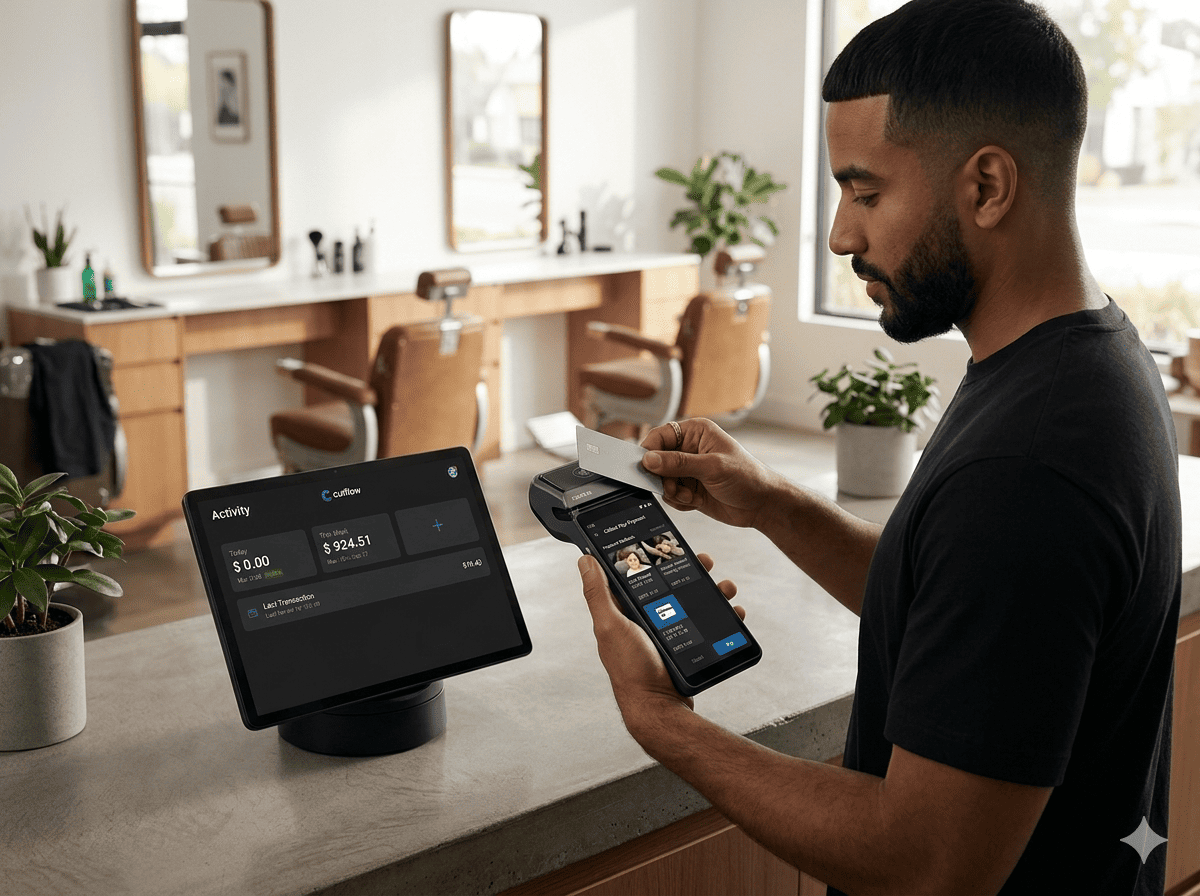
In ecommerce and service-based platforms, your checkout is where revenue is made — or lost. Even small friction points can reduce conversions and increase cart abandonment.
If you want to increase completed purchases, improve user experience, and maximize revenue, optimizing your checkout flow is not optional — it’s essential.
In this guide, we’ll break down practical strategies you can implement today.
Why Checkout Optimization Matters
Studies consistently show that complicated or slow checkout processes are one of the top reasons users abandon their carts.
Common friction points include:
• Too many form fields
• Forced account creation
• Limited payment methods
• Unexpected fees
• Slow loading times
• Poor mobile experience
Each of these creates friction — and friction kills conversions.
1. Reduce Friction: Simplify the Process
The fewer steps, the better.
Best practices:
• Use a single-page checkout when possible
• Remove unnecessary form fields
• Enable auto-fill and address validation
• Offer guest checkout
Every additional click reduces the likelihood of completion.
💡 Tip: Only ask for information you truly need to process the payment.
2. Optimize for Mobile First
More than half of ecommerce transactions happen on mobile devices.
Make sure your checkout:
• Has large, tap-friendly buttons
• Uses minimal typing
• Loads fast (under 3 seconds)
• Supports mobile wallets
A checkout that works perfectly on desktop but poorly on mobile is leaving money on the table.
3. Offer Multiple Payment Methods
Customers abandon checkout if their preferred payment method isn’t available.
Consider supporting:
• Credit & debit cards
• Apple Pay / Google Pay
• Bank transfers
• Local payment methods (depending on region)
At Cutflow, flexible payment integration helps businesses adapt to different markets and customer preferences.
4. Build Trust at the Payment Stage
Security concerns are a major reason for abandonment.
Reinforce trust by:
• Displaying SSL and security badges
• Showing accepted payment logos
• Using clear refund policies
• Adding customer testimonials near checkout
Transparency increases confidence — and confidence increases conversions.
5. Remove Surprises (Especially Hidden Fees)
Unexpected shipping costs or taxes shown at the final step cause frustration.
Instead:
• Show total cost early
• Provide shipping estimates before checkout
• Clearly break down pricing
When customers feel informed, they’re more likely to complete the purchase.
6. Improve Speed and Performance
Even a 1-second delay can reduce conversions significantly.
Optimize by:
• Compressing assets
• Reducing third-party scripts
• Using efficient hosting infrastructure
• Implementing caching
Performance is not just a technical metric — it’s a revenue metric.
7. Use Smart Recovery Strategies
Even optimized checkouts will experience abandonment.
Implement:
• Abandoned cart emails
• Exit-intent popups
• Limited-time offers
• Retargeting ads
Recovery campaigns can reclaim up to 10–20% of lost revenue.
8. Test, Measure, Improve
Checkout optimization is an ongoing process.
Track metrics such as:
• Checkout completion rate
• Drop-off by step
• Payment failure rate
• Average order value
Run A/B tests on:
• Button color and text
• Field order
• Payment method placement
• Trust badge positioning
Small improvements compound over time.
Final Thoughts
Your checkout is the most critical stage of your customer journey.
A fast, simple, secure, and transparent checkout experience directly impacts:
• Conversion rate
• Customer satisfaction
• Revenue growth
With the right payment infrastructure and optimization strategy, you can turn more visitors into paying customers — consistently.
Ready to optimize your payment experience?
Cutflow helps businesses streamline payments, reduce friction, and increase conversions with flexible, scalable solutions.
Start improving your checkout today.
